The platform
DigitalSignageApp.be is a central web platform that decides what appears on every screen: prices and menu boards, promotions, video, sponsors, news, weather and time, internal messages, or a greeting that suits the moment and the site.
You work in one environment, even when your screens are spread across several branches. What you publish, you choose per screen or per group of screens.
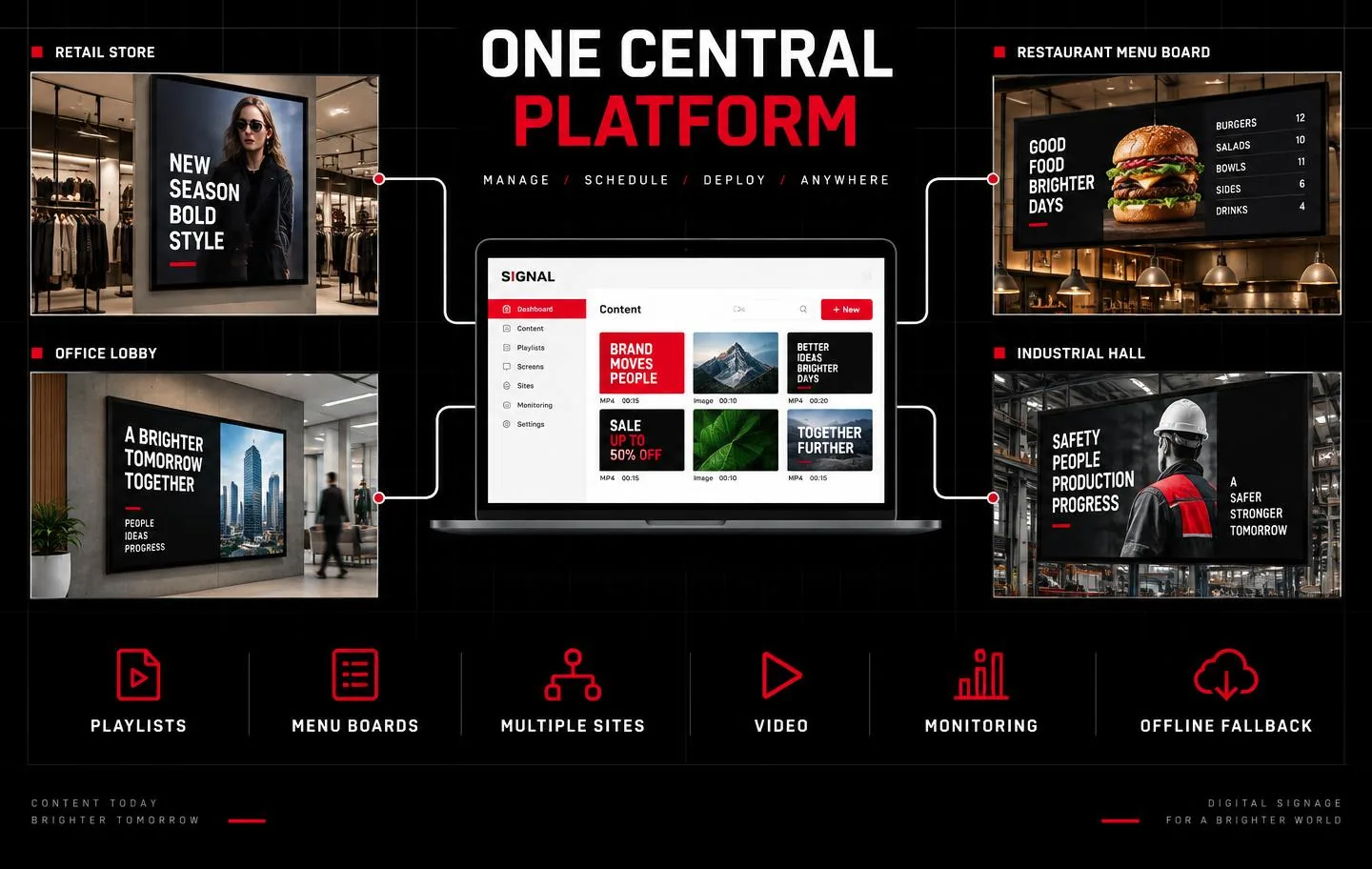
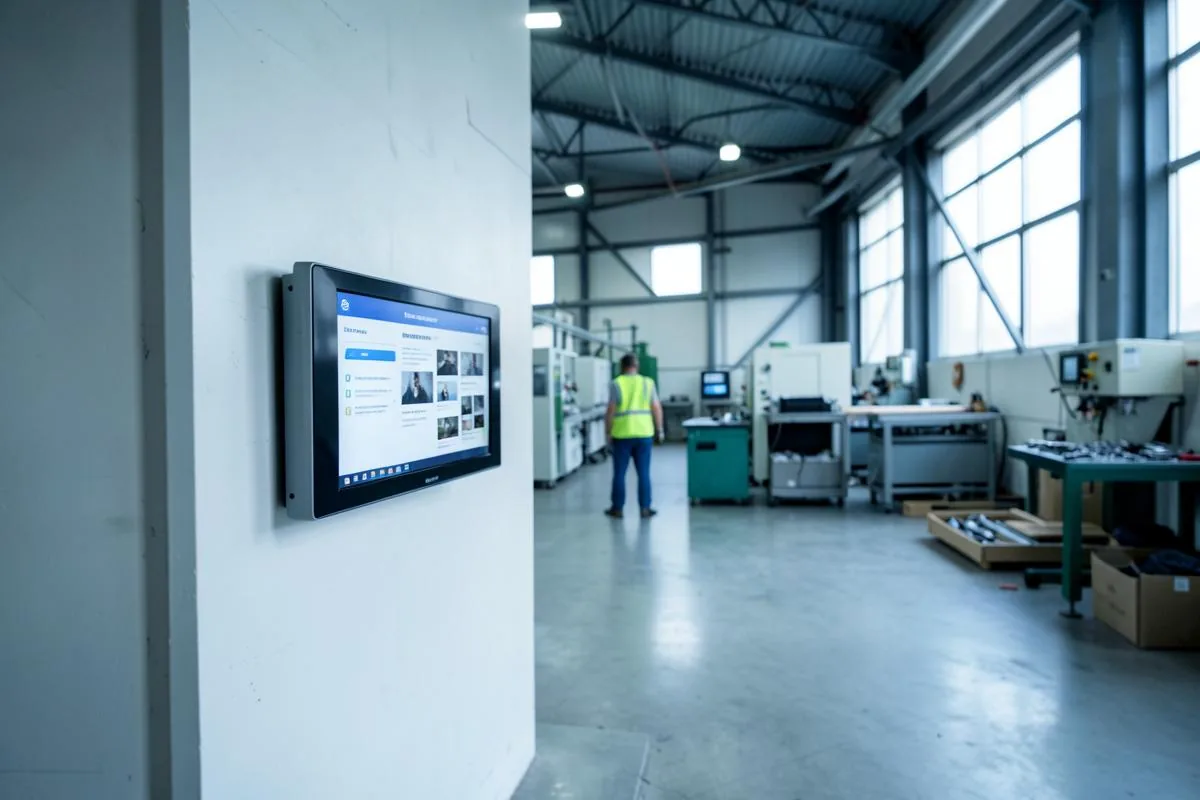
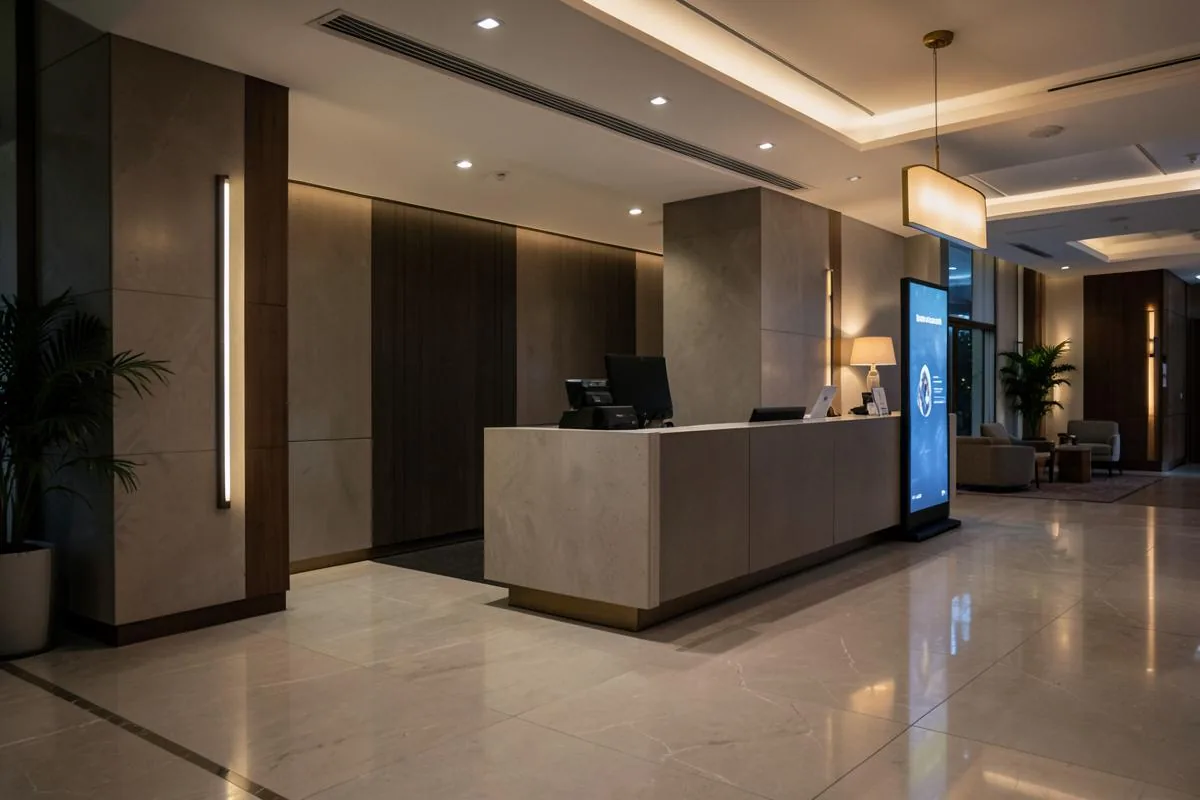
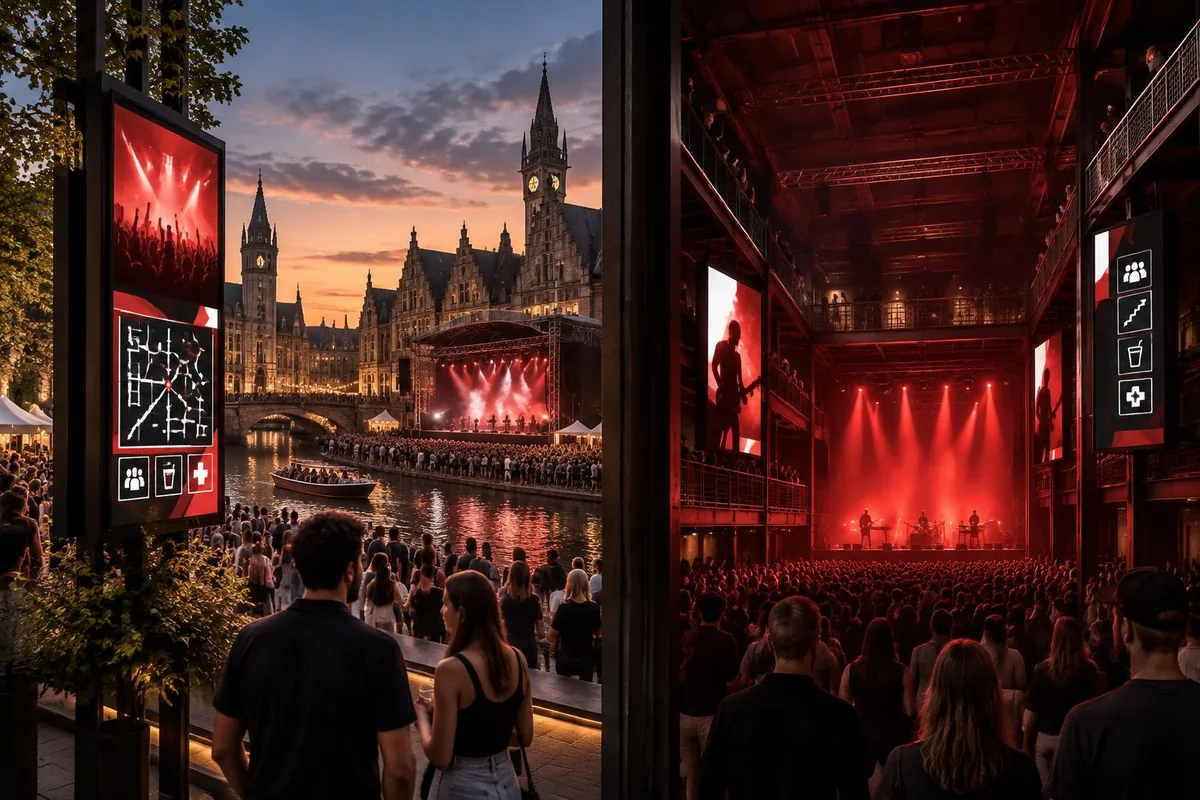
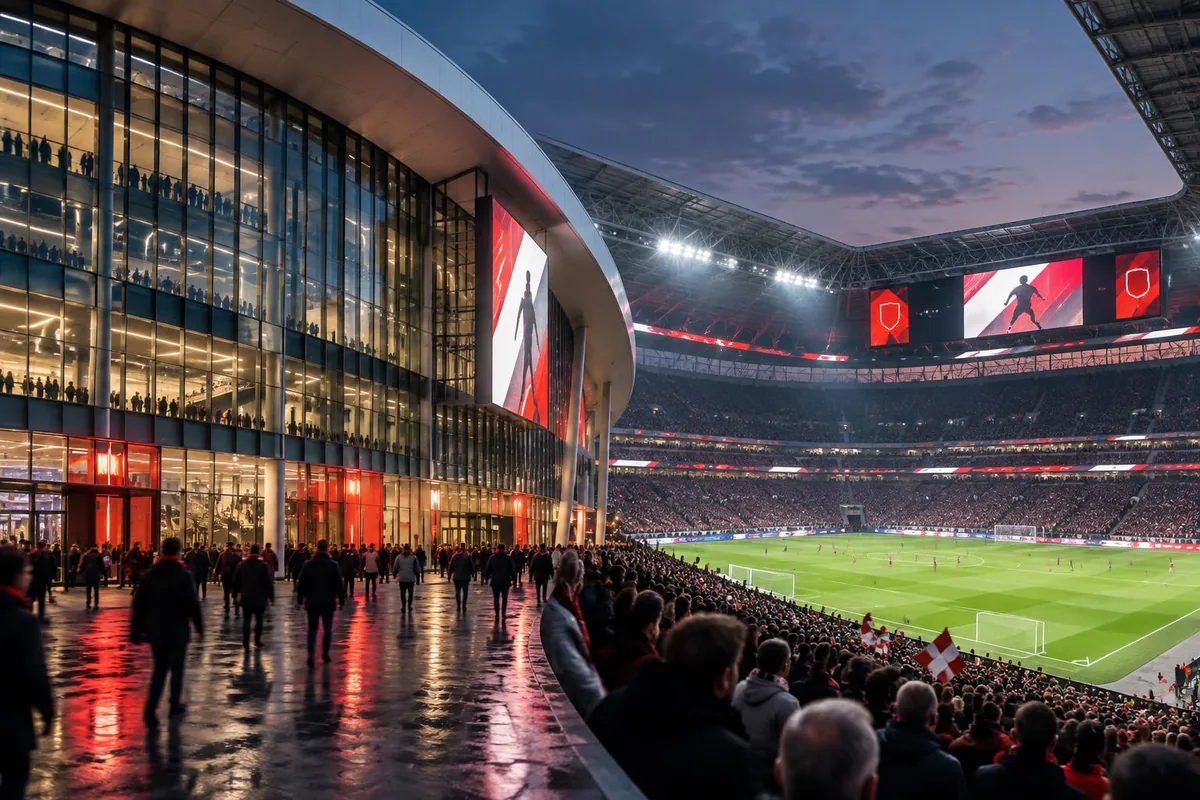
In practice
The same environment, used differently depending on where the screen hangs.
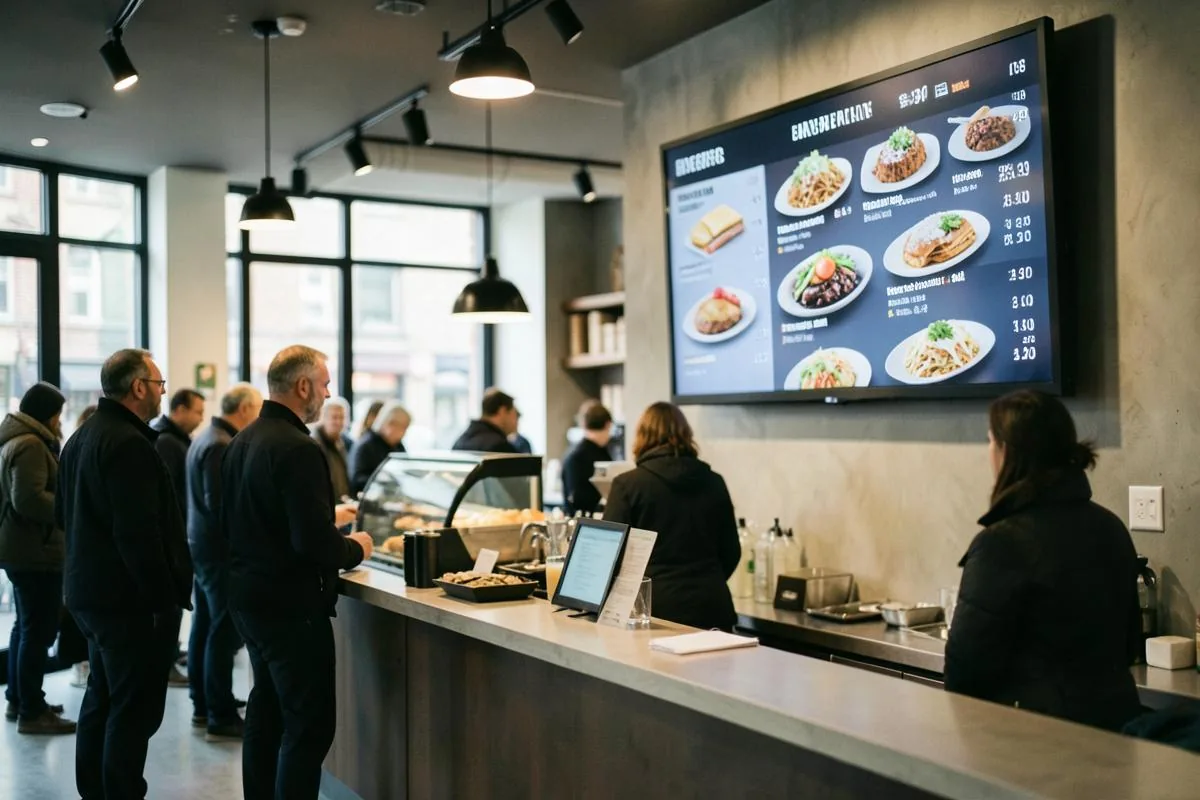
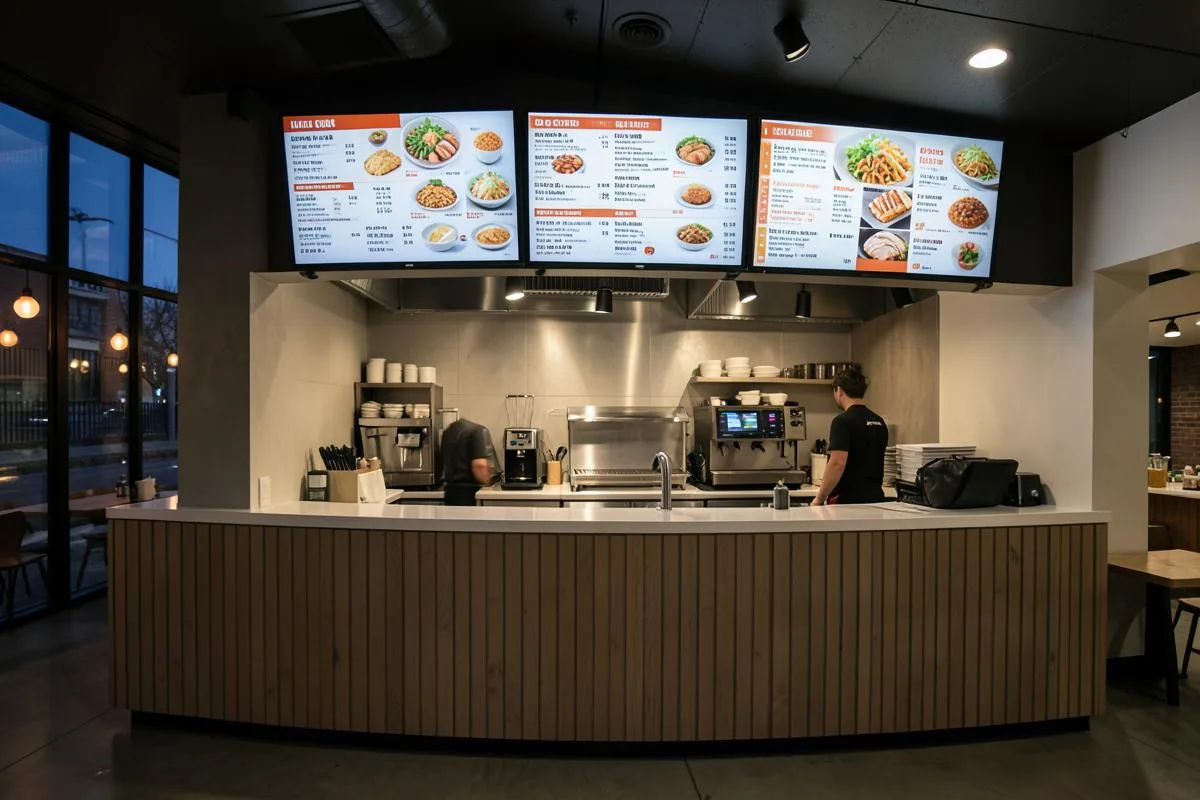
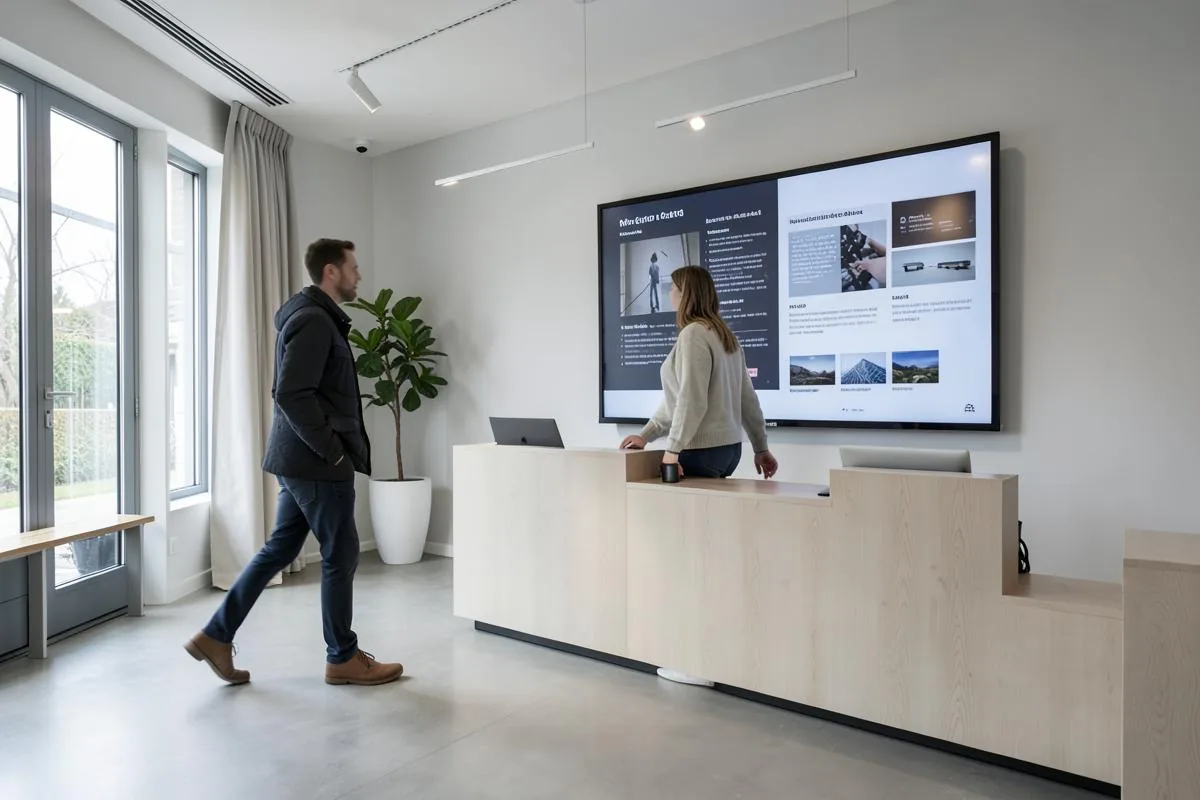
Everything managed in one place
One administrator, one login, one environment. From the platform you manage everything that ends up on your screens — from the price of a sandwich to the video that plays between two menus.
Your offer
- Products
- Prices
- Categories
- Images
Campaigns
- Promotions
- Banners
- Sponsors
- Videos
Live modules
- News
- Weather
- Playlists
Organisation
- Sites
- Screens
- Internal messages
From edit to screen
- 01
Edit
You change a price, a line of text, an image or a playlist.
- 02
Preview
You see exactly how the screen will look first.
- 03
Publish
You deliberately confirm that this version may go out.
- 04
On screen
The screens pick up the new version automatically.
Saving is not the same as publishing. A saved change stays a draft and never appears on the screens. Only when you publish does the new version go to the selected screens. That way you can calmly prepare a new menu while the current one keeps running.
For customers and staff alike
The same environment drives your public screens and your internal screens. What the customer sees and what the team needs to know sit side by side.
For customers
- Prices
- Menus
- Offers
- Promotions
- New products
- Sponsor messages
- Queue information
- Opening hours
- Videos
- News
- Weather
For staff
- Internal announcements
- KPIs
- Production information
- Shift information
- Planning
- Safety notices
- HR communication
- Visitor information
- Instruction videos
- Company news
One platform. One management environment. All your visual communication.
More than static screens
A screen may stand still, but it doesn't have to. Alongside stills and text you place moving image in the same environment.
- Images
- Banners
- Product visuals
- Sponsor content
- Promotional video
- Product video
- Corporate video
- Instruction video
- Safety video
- Short animations
Video simply becomes part of the rotation: it plays, then the screen moves on to the next item. Storage and bandwidth are agreed at set-up, so the arrangement matches your material and your connection.
Video inside a playlist
- Menu
- Promo
- Video
- Sponsor
- News
- Menu
Automatic content rotation
Every screen shows either one fixed piece of content, or a playlist that runs on its own.
Static content
One image or one board that stays put. Ideal for a menu board that shows the same thing all day.
Playlist
A sequence of items that alternate, each with its own display duration. The rotation repeats automatically.
Different screens may use different playlists. The screen at the counter shows the full menu, while the one at the entrance alternates promotions and sponsors.
Example playlist
- Sandwiches & snacks20 sec
- Burgers & pasta20 sec
- Promo10 sec
- Sponsor10 sec
- Video15 sec
- Drinks20 sec
One platform for multiple branches
Your organisation, your sites and your screens share the same structure. Each time, you choose the level you publish to.
- Organisation
- Sites
- Screens
Head office
Ghent site
- Screen 1
- Screen 2
- Screen 3
Waregem site
- Screen 1
- Screen 2
Kortrijk site
- Screen 1
- Screen 2
- Screen 3
The same everywhere
Publish one campaign to every screen in the organisation.
Different per site
Ghent runs a local offer while Kortrijk keeps the standard menu.
Different per screen
The screen at the till shows prices, the one in the corridor shows internal news.
Opening another branch? You add the site and hang the screens underneath it. The structure grows with the organisation, so you never start over.
Turn your screens into an advertising channel too
Alongside your own offer, you can give local businesses or partners a place in the rotation. You decide who appears, for how long and when.
What you set per sponsor
- Logo
- Banner
- Image
- Short message
- Website
- Video
- Start date
- End date
- Rotation duration
At sites with heavy footfall this can be an additional commercial opportunity: a baker, a garage or a club sponsor gains visibility with your audience while your own menu keeps running.
What a sponsor slot earns depends on your location, your footfall and the agreements you make. We supply the channel and the management, not guaranteed advertising revenue.
Live information placed on screen automatically
Beside your own content, screens can show information that keeps pace with the moment and the place on its own.
News
An RSS feed or an external news source feeds a ticker along the bottom of the screen.
NEWS • Headline 1 • Headline 2 • Headline 3
Weather
Local weather for that branch, not for head office.
Waregem 18 °C — This afternoon 22 °C
Time
A live clock in the time zone of the screen and its site.
16:42
Location
The branch name on screen; that name also drives the local weather.
Waregem · Ghent · Machelen Station
Personal greeting
The greeting adapts automatically to the time of day and the site. You choose the wording per branch; the part that depends on the hour changes by itself.
- Good morning, welcome to [site name]
- Good afternoon, welcome to [site name]
- Good evening, welcome to [site name]
Each module switches on or off separately
- News
- Weather
- Time
- Location
- Greeting
Keeps working through a brief internet outage
If the connection drops for a while, the last published screen simply stays up. Your customers see your menu, not an error message or a black screen.
Stays available locally
- Products
- Prices
- Images
- Promotions
- Sponsors
- Playlists
- Local clock
Information that comes from the internet — news and weather — cannot refresh during an outage and holds the values last received. As soon as the connection returns, the screens fetch the most recent published version automatically.
Check your screens remotely
The overview shows straight away which screens are online, when they last reported in and which playlist they are running.
| Screen | Status | Last seen | Playlist | Site |
|---|---|---|---|---|
| Screen 1 | Online | Just now | Day menu | Ghent |
| Screen 2 | Online | 2 min ago | Promo & sponsors | Ghent |
| Screen 3 | Offline | Today at 11:12 | Evening menu | Waregem |
A screen that shows as offline usually points to a power or network issue on site. Seeing that remotely lets you act precisely, instead of waiting for someone to notice.
From your dashboard straight to the screen
Three views of the management platform, in the order you use them in practice.
The full flow
- Change a price
- Preview
- Publish
- Live
Secure by design
Your screens carry business information. The environment is built so only the right people change content, and only the right screens receive it.
Secure administrator login
Management sits behind a personal login. There is no public administration interface.
Unique screen addresses
Every screen gets its own address with a unique token that cannot be guessed from outside.
Its own content only
A player receives only the content published for that particular screen.
Draft and live kept apart
What you prepare stays a draft until you publish. Your screens keep showing the previous version meanwhile.
Controlled access
Who may manage what is set per organisation.
Secure cloud backend
Content and settings live in a secure cloud environment, over encrypted connections.
We do not claim certifications we do not hold. Want to know how this applies to your situation? Just ask.
Modern technology
Briefly, for those who want to know what the platform is built on. None of it is needed for day-to-day use.
- Web-based platform
- Cloud backend
- Secure authentication
- Realtime updates
- Scalable database architecture
- Modern browser-based player
- Source-controlled development
- Standard hardware compatibility
Under the bonnet: React · TypeScript · Supabase · PostgreSQL · GitHub
Curious how this looks with your own menu, your branches and your screens? We're happy to show the platform in action.
Ready to run all your screens from one place?
See how DigitalSignageApp.be adapts to your sector, your sites and the way you communicate.